 PWA · AI in the Browser
WorshipHub Captions
Every listener follows the sermon on their own phone, in their own language.
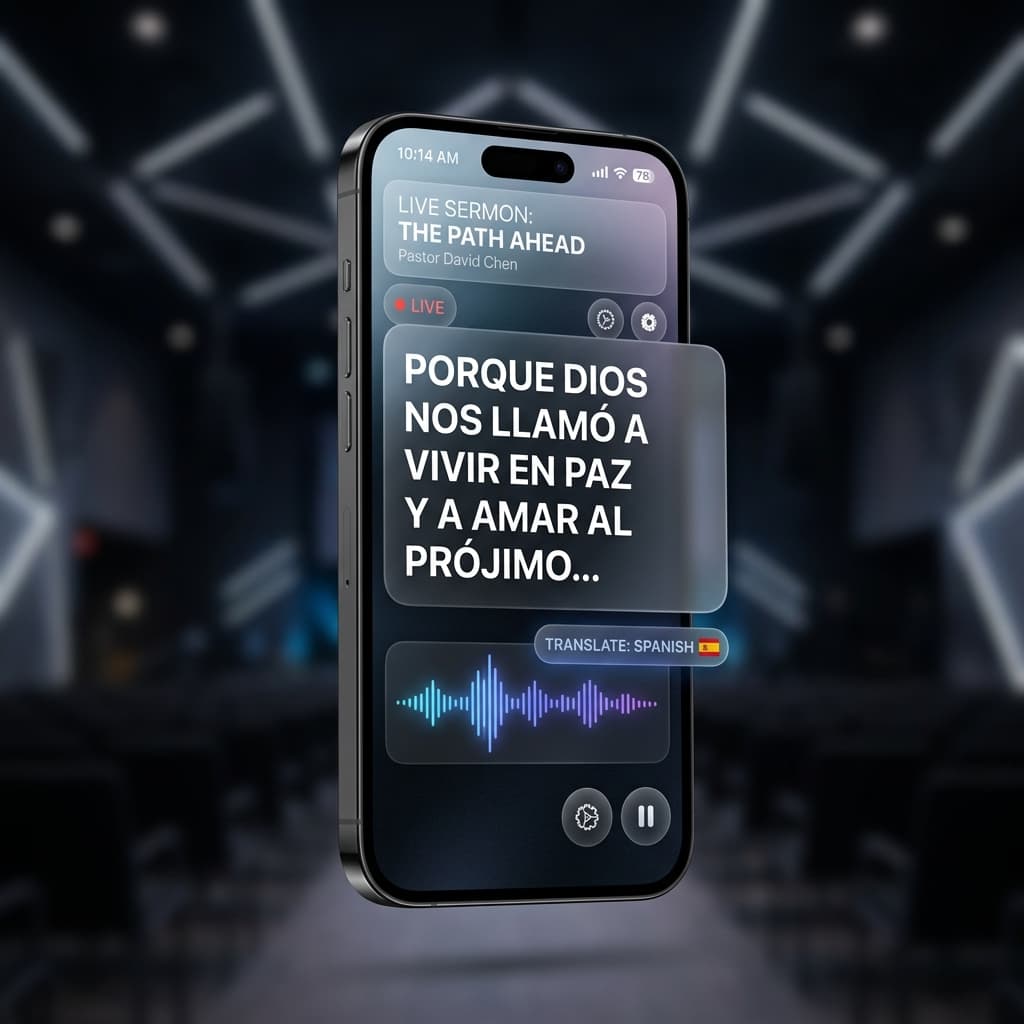
How to connect
Turn on Tools ▸ Captions App in the desktop app
Flash the join QR on the projector (Tools ▸ Show Join QR)
Listeners scan it and pick their reading language
Breaking language barriers
AI on the Listener's Phone
Opus-MT translation models run inside each viewer's browser via Transformers.js. No cloud service, no per-minute fees, unlimited listeners.
7 Reading Languages
English, Español, Français, Deutsch, Italiano, Русский, and 中文 — each viewer picks independently. The ~15 MB model downloads once and is cached offline.
Works Offline After the First Load
Translation models are cached in the browser via the Cache API — once downloaded, a viewer's phone keeps working without an internet connection.
Interface in 9 Languages
The app shell itself is localized into nine languages and follows each phone automatically.