 Desktop App & PWA
WorshipHub Notes
Write the sermon during the week. Preach it — and project it — on Sunday.
How to connect
Open Settings ▸ Transcription Server in the Notes app
Enter the desktop's address or scan its QR
Approve the device once on the desktop screen
Preach with confidence
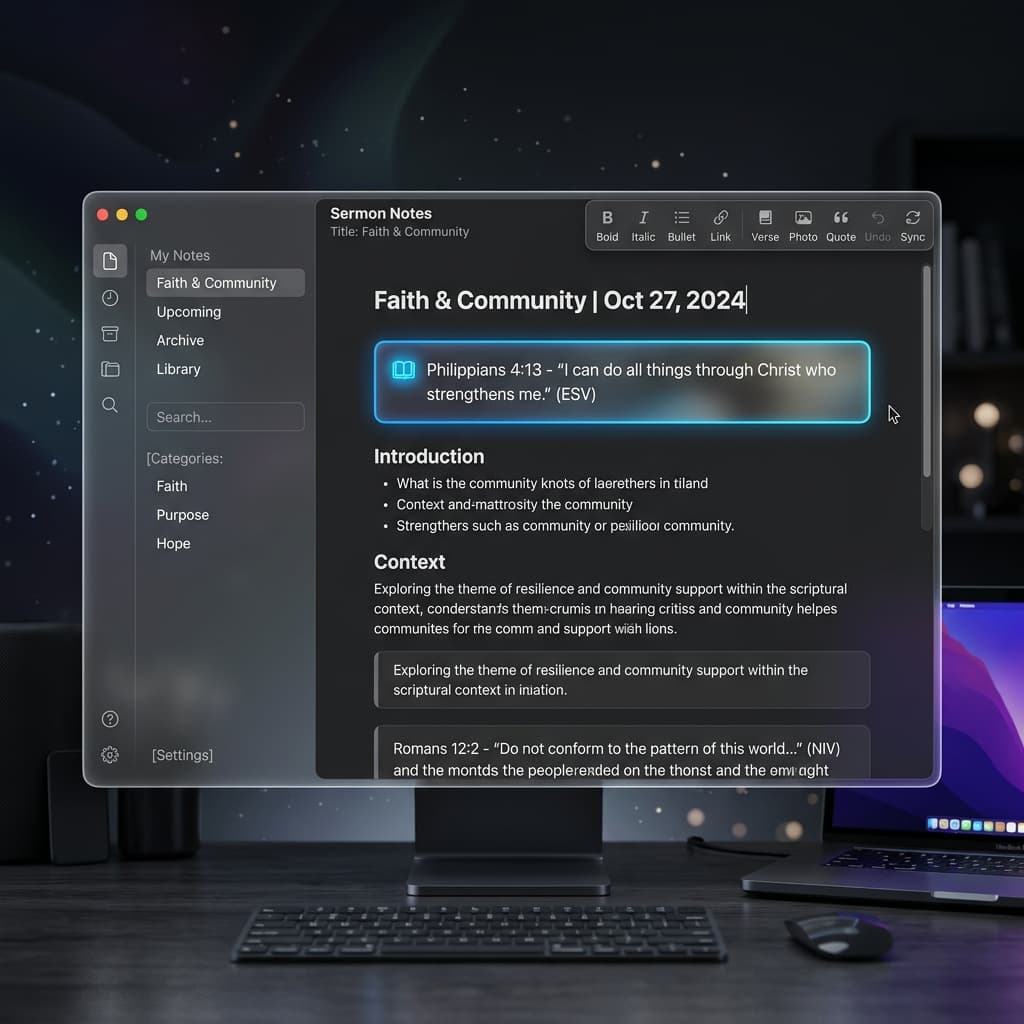
Focused Sermon Editor
Rich text with headings, lists, and Bible quote blocks where every verse carries its own small verse number.
Built-in Bible
Search and insert passages without leaving the editor. Downloadable translations, verse picker, and automatic reference formatting.
Podium Mode
A large-type, distraction-free teleprompter with a service timer — designed to be read from a pulpit, not a desk.
Tap a Verse, Project It
In Podium, every quoted verse is tappable — touch it and it goes live on the church projector instantly, no operator involved.
The Pastor's Microphone
Streams your voice for live captions: either raw audio to the desktop's Whisper model, or transcribed on-device by the phone's browser.
Your Own Cloud
Sermons sync through your own Supabase project — write on a tablet at home, preach from the church desktop.