 PWA · No Installation Required
WorshipHub Remote
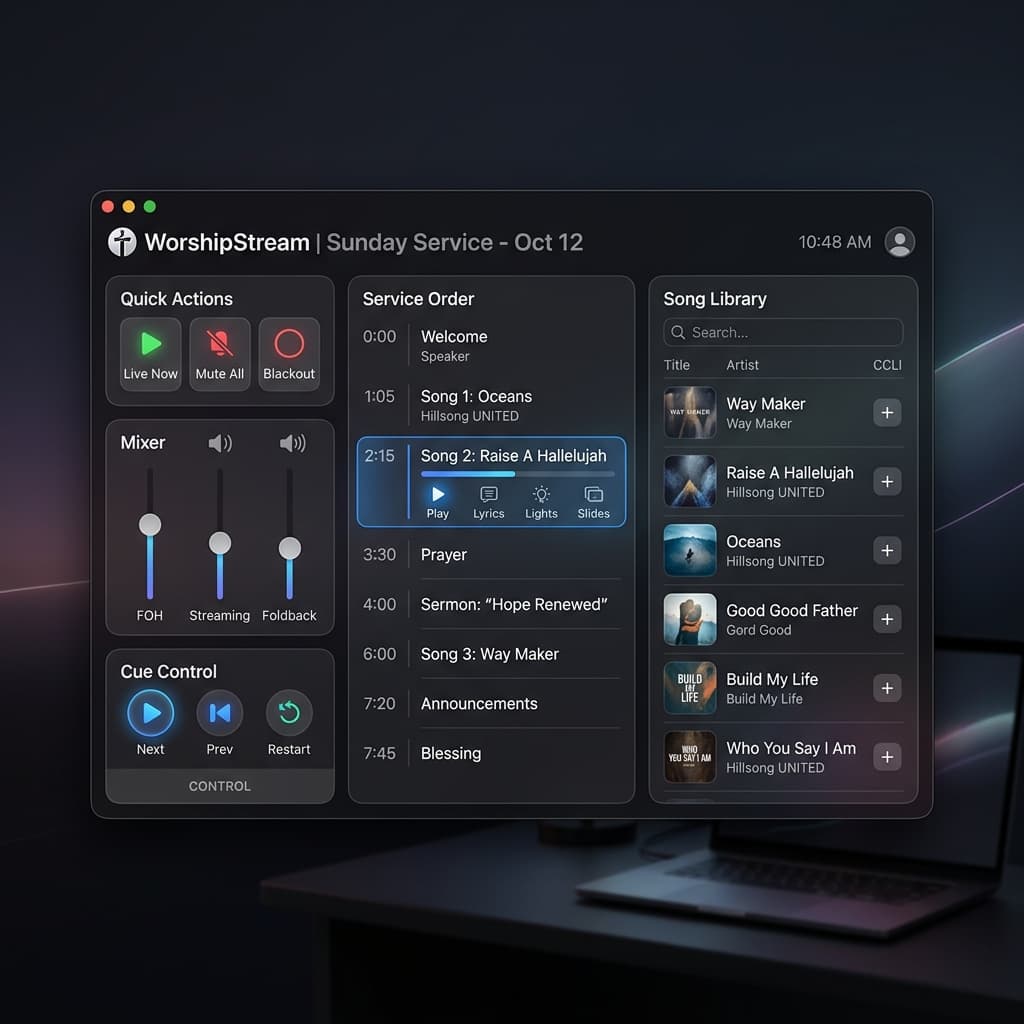
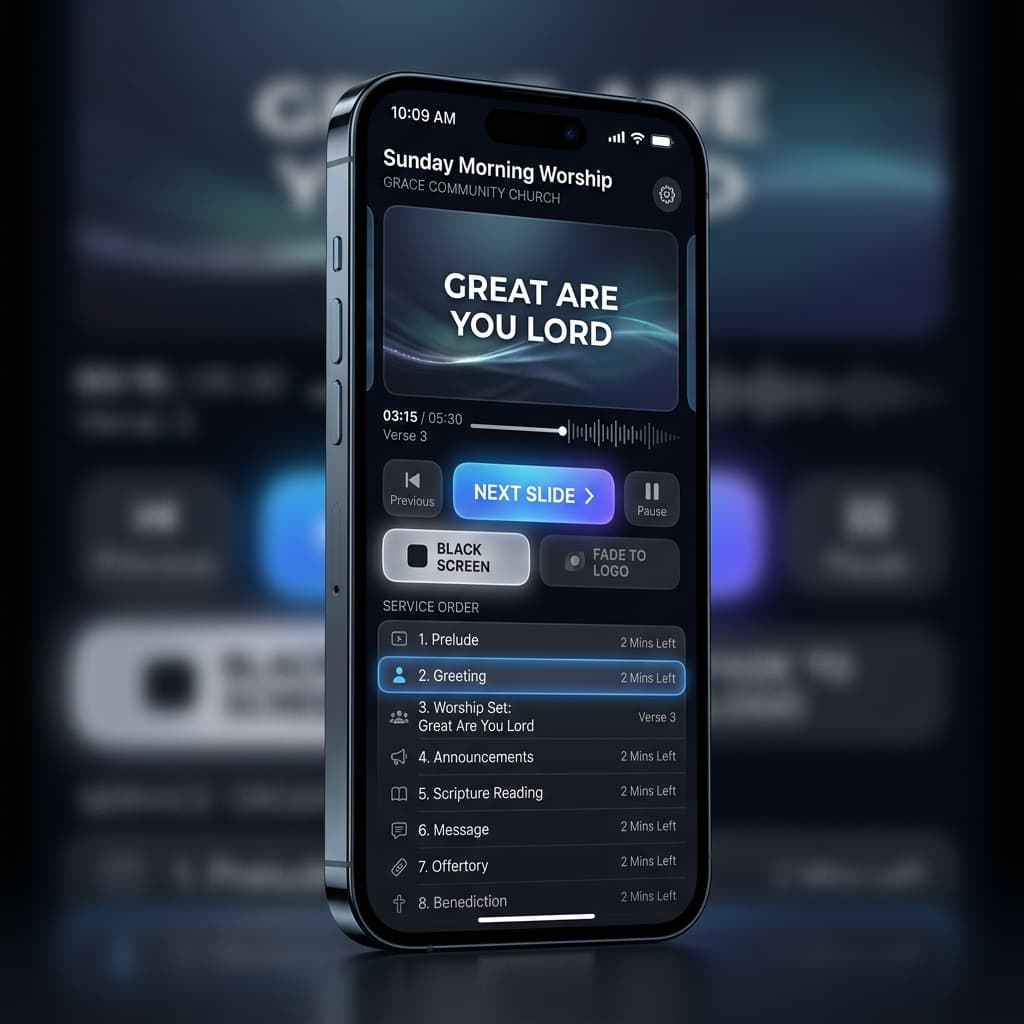
The whole service in your pocket — slides, songs, Bible, media, and even a second projector.
How to connect
Turn on Tools ▸ Remote Control in the desktop app
Scan the QR from Settings ▸ Remote Access with your phone
Enter the PIN once — the device stays trusted from then on
Everything it actually does
Full Slide Control
Next and previous slides, jump anywhere in the running order, black screen and logo — with instant feedback of what's live.
Edit the Service Live
Reorder items by drag, add songs from the library, look up Bible chapters and send verses — the desktop updates in real time.
Upload from Your Phone
Push photos and videos from the phone's camera roll straight into the service, and paste YouTube links that start playing embedded.
Live Language Switching
Flip a whole song or one single slide to another language mid-service — the same controls the desktop operator has.
Second-Screen Projector
Mark a device as Output and it can project the live text fullscreen on any display connected to it — a lobby TV, an overflow room.
Paired Once, Trusted Always
PIN + device token authentication. The token survives restarts and tunnel address changes; revoke any device from the desktop at any time.