 Desktop + Web · Song Library
WorshipHub Songs
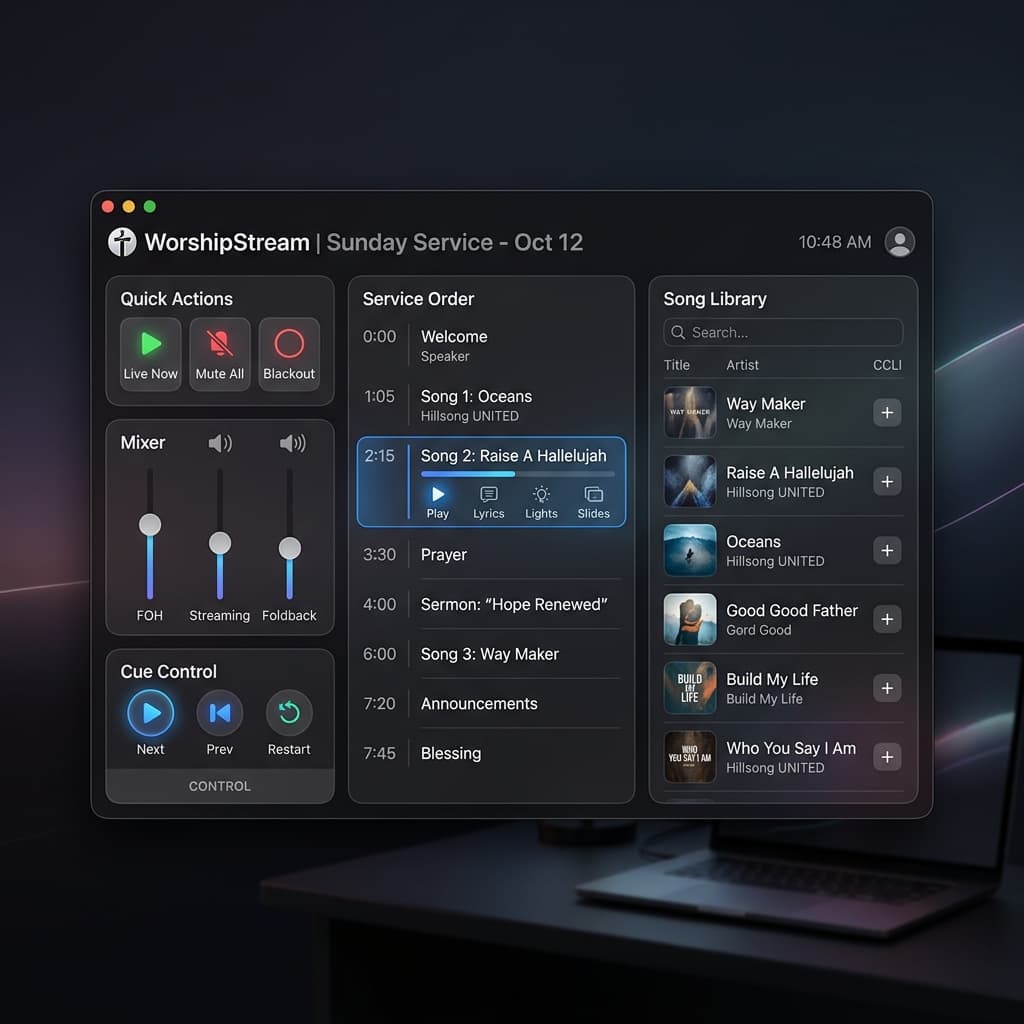
Your church's entire song library — search, translations, and lyrics lookup, always in sync with the main app.
How to connect
Open WorshipHub Songs — the desktop app or the browser version, no install required.
Add songs by hand, or search online and pull in matching lyrics with one click.
Send songs to the main app once the operator approves the connection — after that, everything syncs automatically over your network or your own Supabase project.
Everything your song library needs
Organized Song Library
Search your entire catalog instantly by title or artist — no more digging through folders.
Chord Charts & Arrangements
A ChordPro-style chord editor with a live preview, plus a lead-sheet editor rendered as real music notation (MusicXML) — with per-instrument presets so the same song carries a different arrangement for guitar, piano, bass, and more.
Multi-Language Lyrics
Add a translation for any song and switch the projected language without leaving the service.
One-Click Lyrics Lookup
Search by title and artist and pull in matching lyrics automatically — no more copy-pasting from a browser tab.
Live Slide Preview
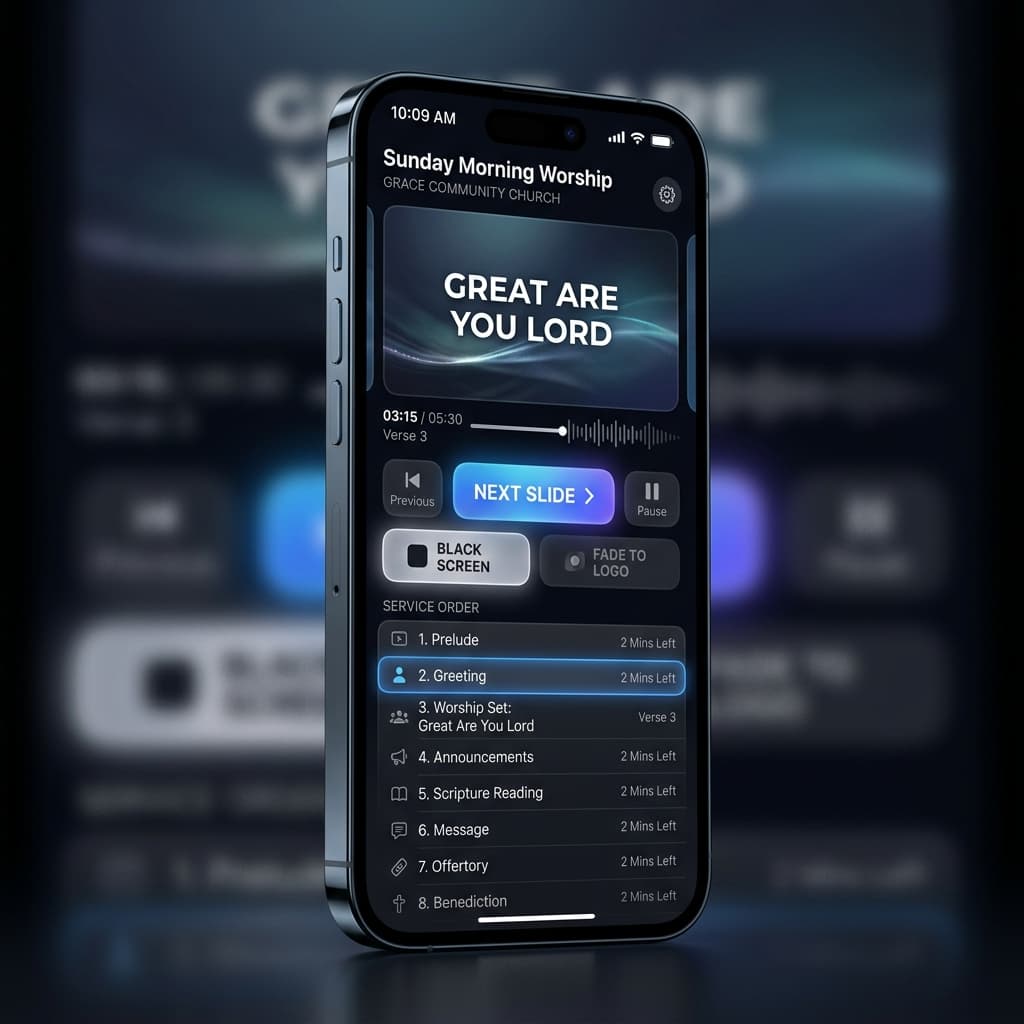
Lyrics split into slides as you type, so what you see in the editor is exactly what lands on the projector.
LAN + Cloud Sync
Keep your library in sync with the main app over your local network, or through your own free Supabase project.
Matches Your Brand
The same 10 themes as the desktop app, Notes, and Captions — one consistent look across every screen.