 PWA · AI in the Browser
WorshipHub Captions
Every listener follows the sermon on their own phone, in their own language.
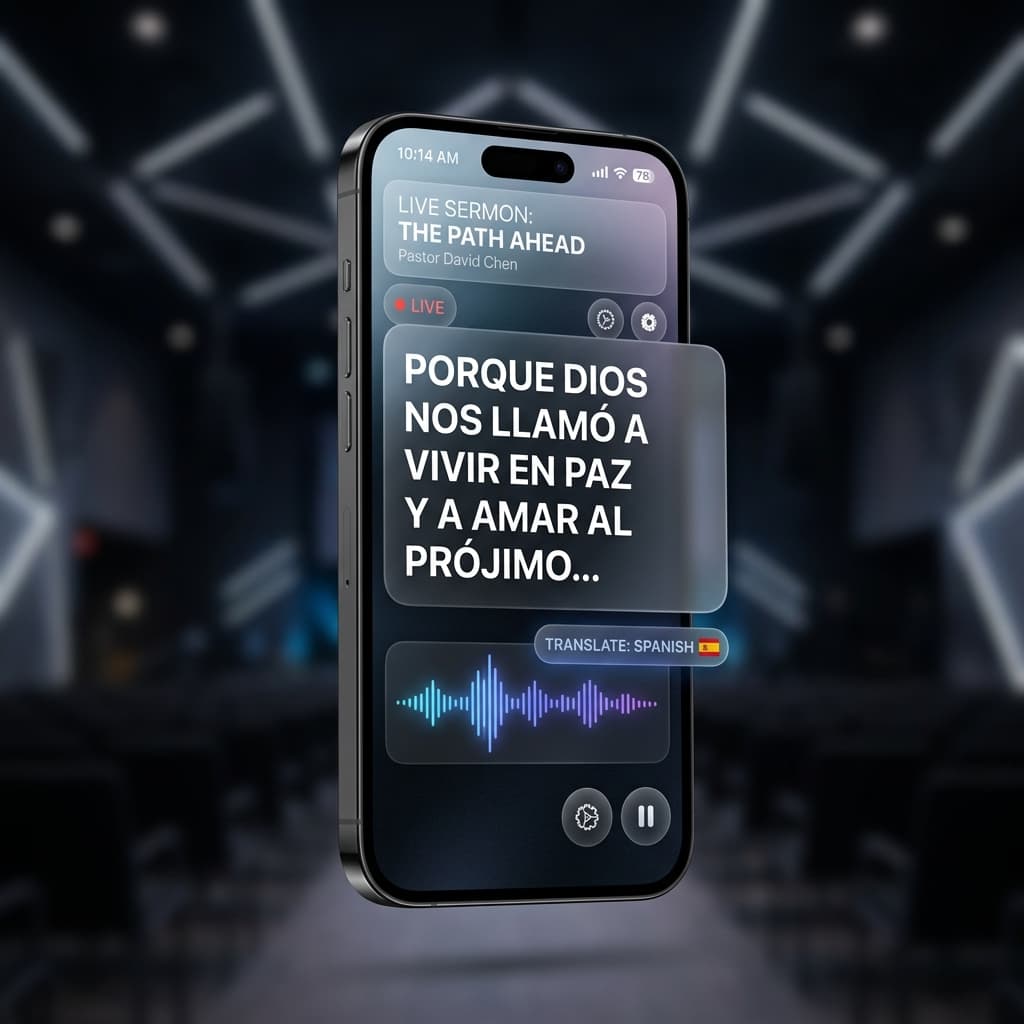
How to connect
Turn on Tools ▸ Captions App in the desktop app
Flash the join QR on the projector (Tools ▸ Show Join QR)
Listeners scan it and pick their reading language
Breaking language barriers
AI on the Listener's Phone
Opus-MT translation models run inside each viewer's browser via Transformers.js. No cloud service, no per-minute fees, unlimited listeners.
7 Langues de Lecture
English, Español, Français, Deutsch, Italiano, Русский et 中文 — chaque spectateur choisit la sienne. Le modèle d'environ 15 Mo se télécharge une fois et reste en cache hors ligne.
Fonctionne Hors Ligne Après le Premier Chargement
Les modèles de traduction sont mis en cache dans le navigateur via la Cache API — une fois téléchargé, le téléphone du spectateur continue de fonctionner sans connexion internet.
Interface in 9 Languages
The app shell itself is localized into nine languages and follows each phone automatically.